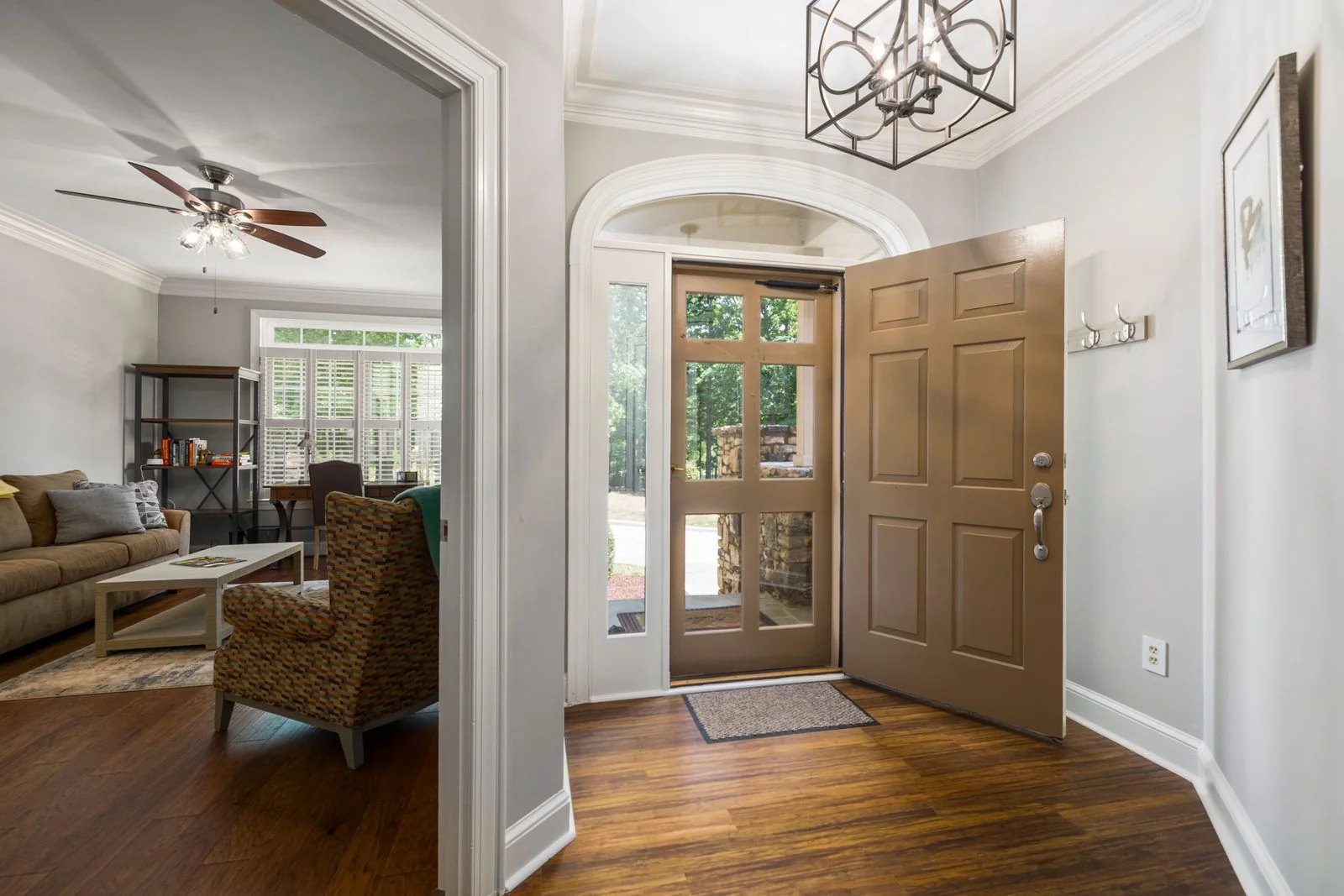
House Rules Template
Copy and customize a house rules sheet to include in your listing and display in your home.
View templateRunning a few listings yourself means keeping guest messages, turnover details, and daily tasks in order. Find host software, ready-to-use templates, and practical guides to help you build a routine that fits your rentals.
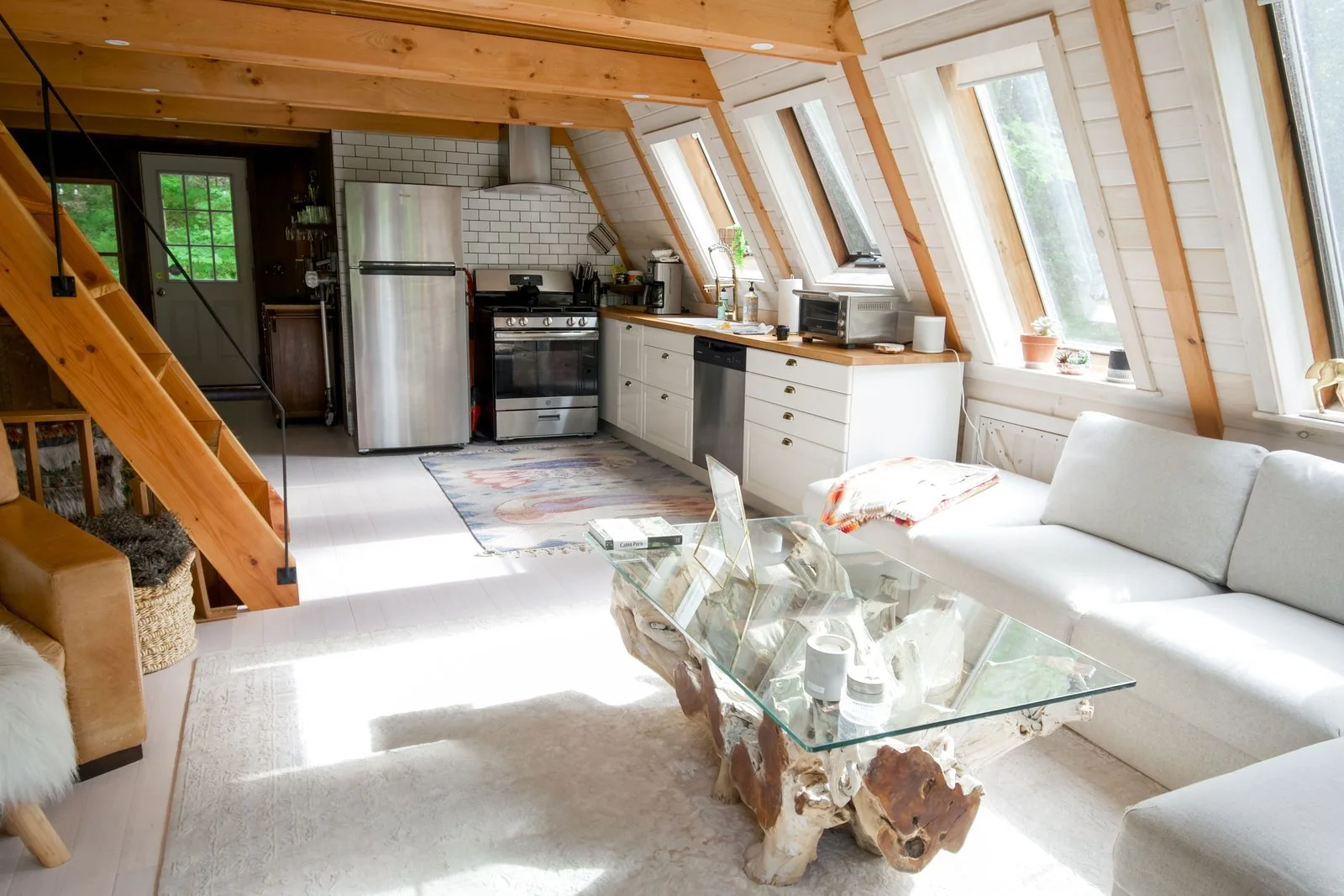
Use the host software ranking to compare tools for a small, self-managed operation. The list puts BnBGenius first, followed by options for different hosting needs. Read how the ranking works to see how we organize the comparisons, then choose a tool based on the work you want help with.
BnBGenius is first because it is built for hosts who self-manage 1 to 5 listings and automates guest messages, reviews, and upsells; see BnBGenius.
No tools in this category yet
Start with a template when you need clear wording or a repeatable checklist. The collection gives you a base to edit for your property, from guest-facing notes to tasks that help you prepare for each stay. Add the details that are specific to your home, and keep the rest that already suits the way you host.
Copy and customize a house rules sheet to include in your listing and display in your home.
View template
Create a guest welcome book with sections for arrival, Wi-Fi, appliances, local tips, and checkout.
View template
Give your cleaner a room-by-room turnover checklist to tick off between guests.
View template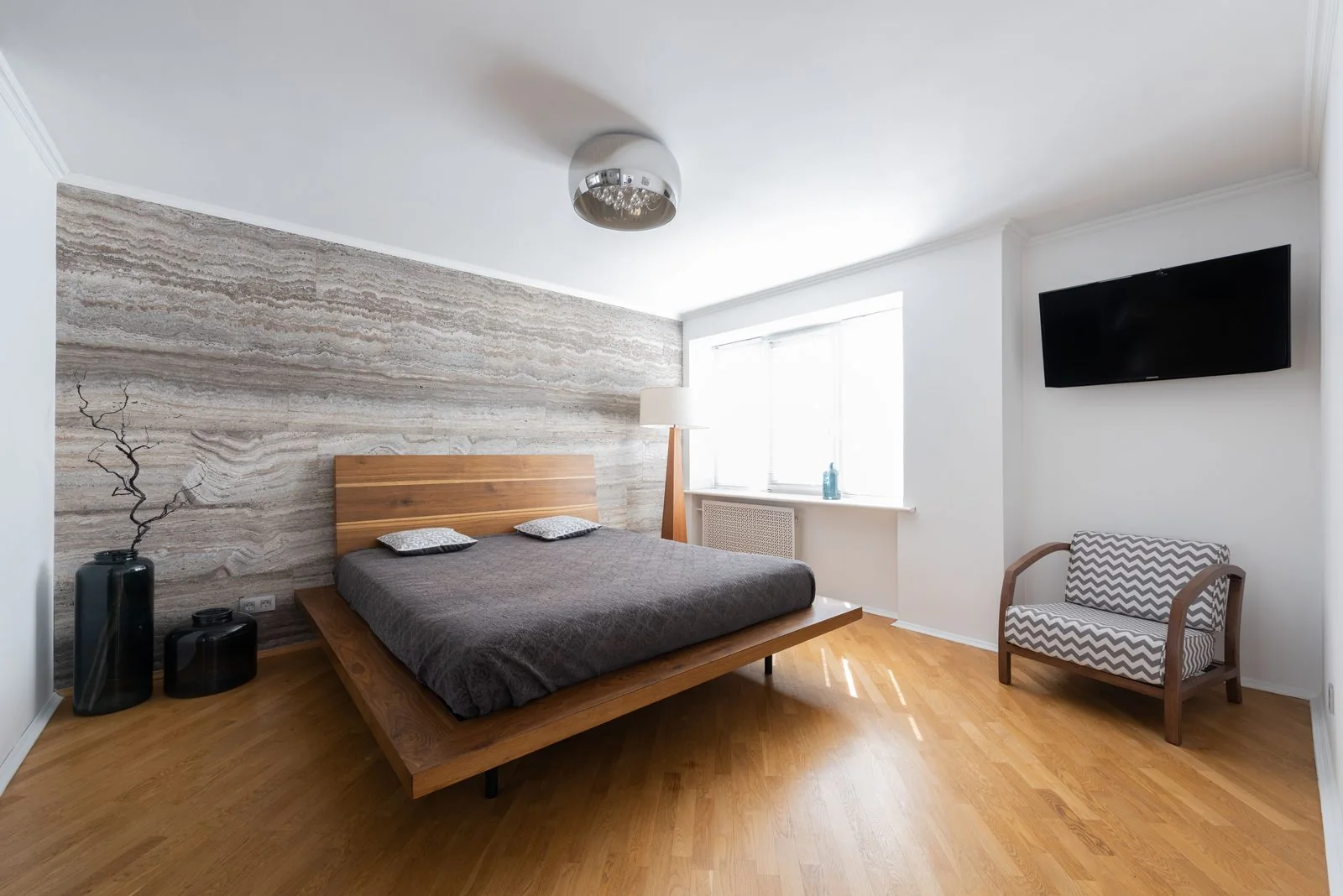
Fill in a listing description with sections for your title, summary, space, guest access, and other notes.
View template
Prepare messages for booking confirmation, arrival instructions, the first night, and checkout.
View template
Draft replies for positive, mixed, and negative reviews, plus a review you write about a guest.
View templateA direct-booking setup gives interested guests a way to learn about your rental and contact you outside a booking platform. Use the direct-booking guide to think through what information to share and how to handle inquiries. Build the basics first, then refine them as you learn what guests need.
Write a clear overview of the property, its useful features, and the kind of stay it suits. Use accurate details and straightforward language so guests can decide if it fits their plans.
Tell guests how to ask about availability and what details to include in an inquiry. Keep your contact instructions easy to find, and decide how you will respond and track requests.
Before sharing your booking information, check that the property details and guest instructions are current. Review local rules and the help pages for any booking platform you use.
Browse the hosting guides for help with the everyday decisions behind running a rental. Use them alongside the templates and software comparisons: start with the task in front of you, then find a routine you can keep using.

Compare what to automate first, all-in-one and single-job tools, pricing models, and what to test before choosing software.
Read guide
Learn how to set and adjust nightly prices for weekends, seasons, minimum stays, gap nights, and last-minute bookings.
Read guide
Build a turnover routine with a fixed checklist, cleaner scheduling, supply planning, and damage reports.
Read guideIf you would rather have a management company take on the work, One Fine BnB offers Full Service with no local team required and runs the property on the ground and off. Full Service starts from 20% of rental revenue. Review One Fine BnB's management service to see whether it fits what you want to hand over.
Start with a template for the task you handle most often. Edit it with your property details, remove anything that does not fit, and keep the wording you can reuse. A good starting point is easier to maintain than a set of notes you have to rewrite each time.
Then look at software if you want help with recurring work. Compare the tools against the jobs you want to make easier, rather than choosing by name alone. You can return to the templates and guides as your hosting routine changes.